
Everything you need to discover, monitor, and manage backlinks.
Backlinktor brings backlink discovery, status monitoring, SEO metrics, contact intelligence, scheduled rechecks, history, and reporting into one focused workspace.
- Discover referring pages
- Monitor backlink changes
- Organize multiple domains
From discovery to monitoring, without scattered tools.
Backlink Discovery
Find referring pages for domains or individual page URLs.
Domain Monitoring
Organize backlink monitoring around multiple domains and tracked targets.
Backlink Status
Identify live, missing, unavailable, and changed backlink situations.
SEO Metrics
Review Domain Rating, Moz Domain Authority, and Moz Spam Score.
Scheduled Rechecks
Automatically revisit backlinks according to monitoring frequency available on your plan.
Contact Intelligence
Discover available publisher emails and phone numbers for outreach.
History & Reporting
Review backlink recheck history and export data.
API Workspace
Connect Backlinktor with external tools when API access is available.
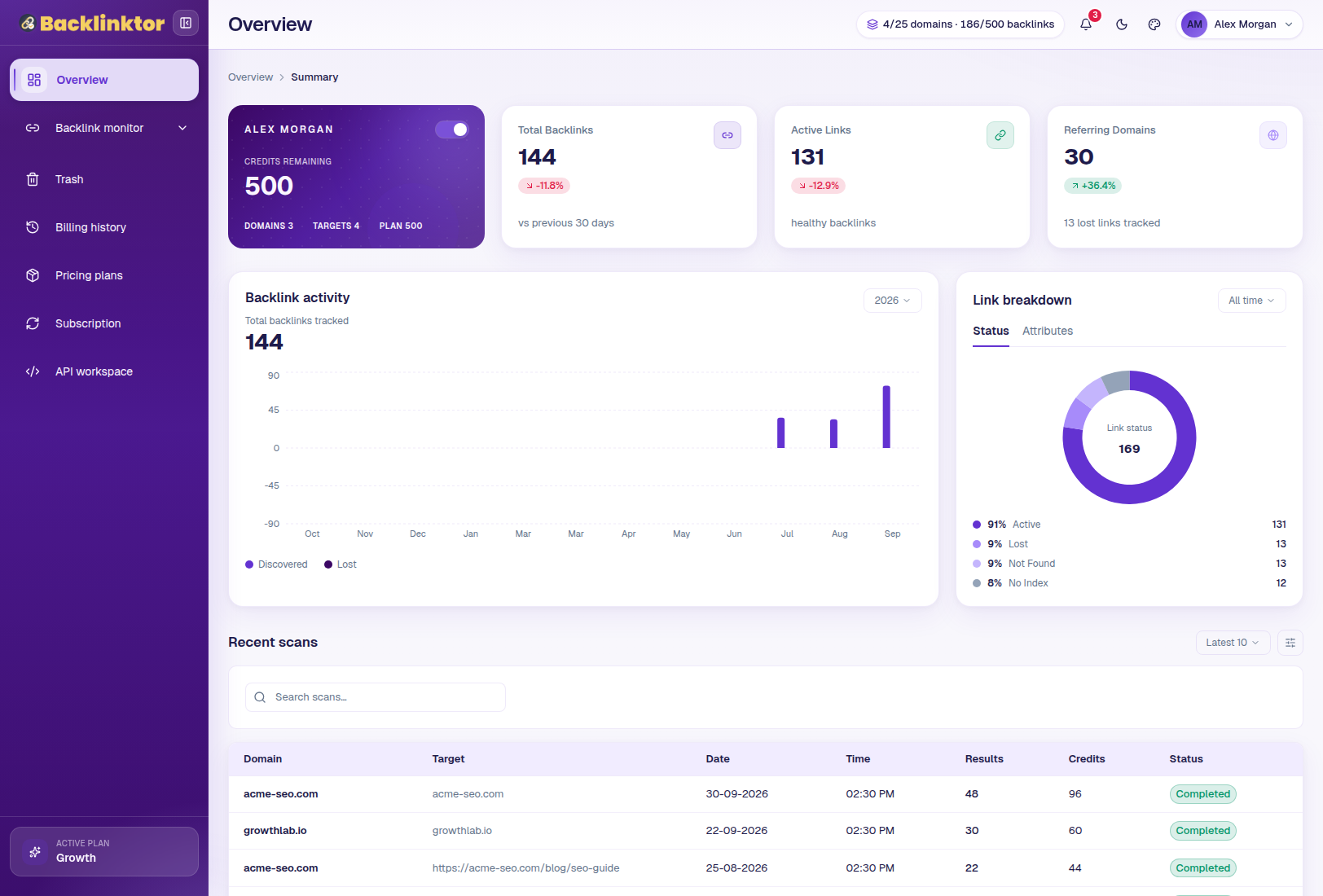
See your backlink operation at a glance.
The Overview dashboard brings remaining credits, domain counts, tracked targets, backlink totals, active backlinks, referring domains, backlink trends, link breakdowns, and recent scans into one place.
Open Backlinktor
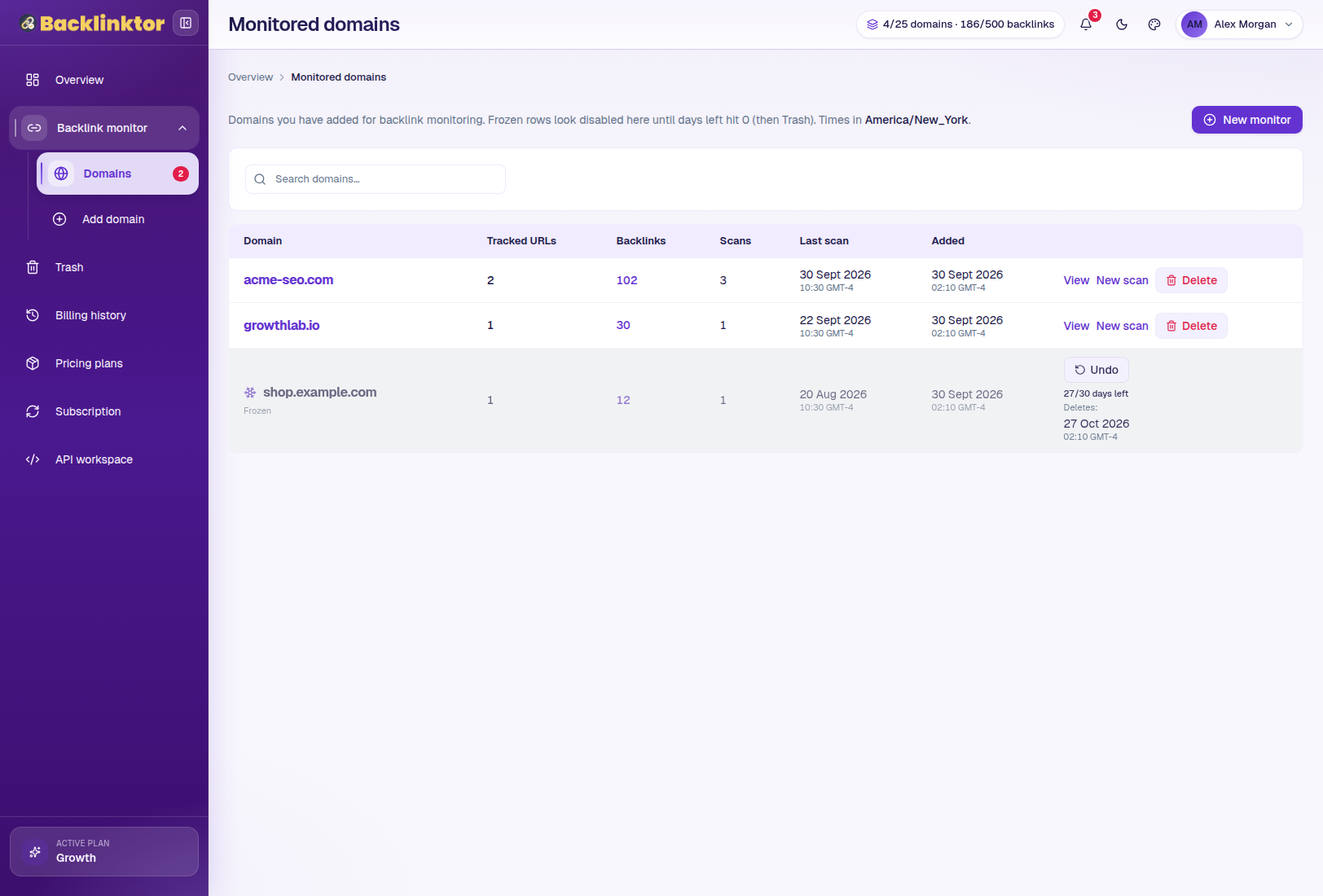
Keep every monitored website organized.
Domains are the top-level container for backlink monitoring. Search monitored domains, review tracked URLs and backlink counts, see latest scan times, open individual domains, start scans, and manage frozen or deleted items.
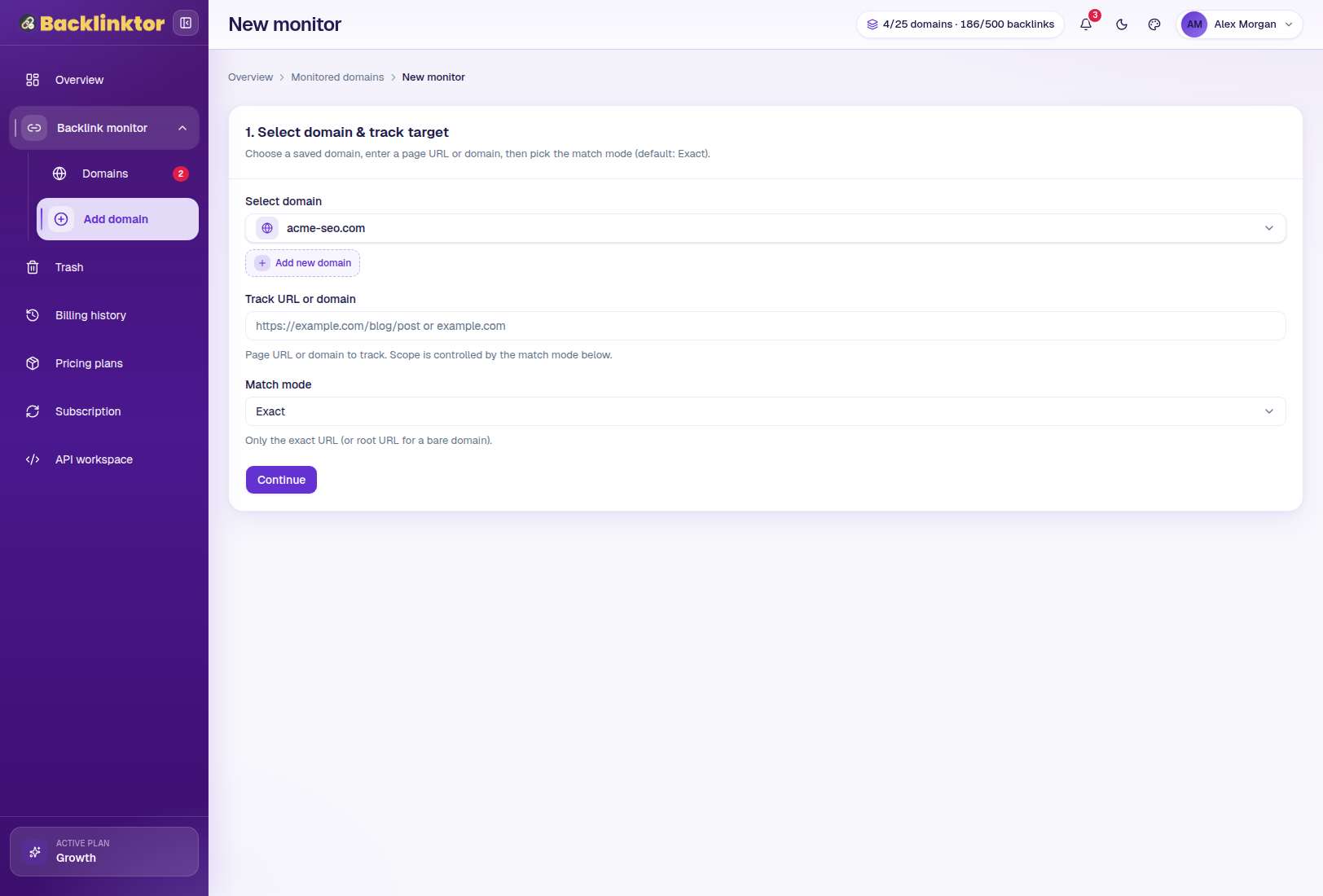
Start monitoring from a domain or page URL.
Select an existing domain or add a new one, enter a page URL or domain, choose a match mode, configure backlink discovery, and continue into backlink results.
The match mode selector also exposes additional supported Ahrefs modes.
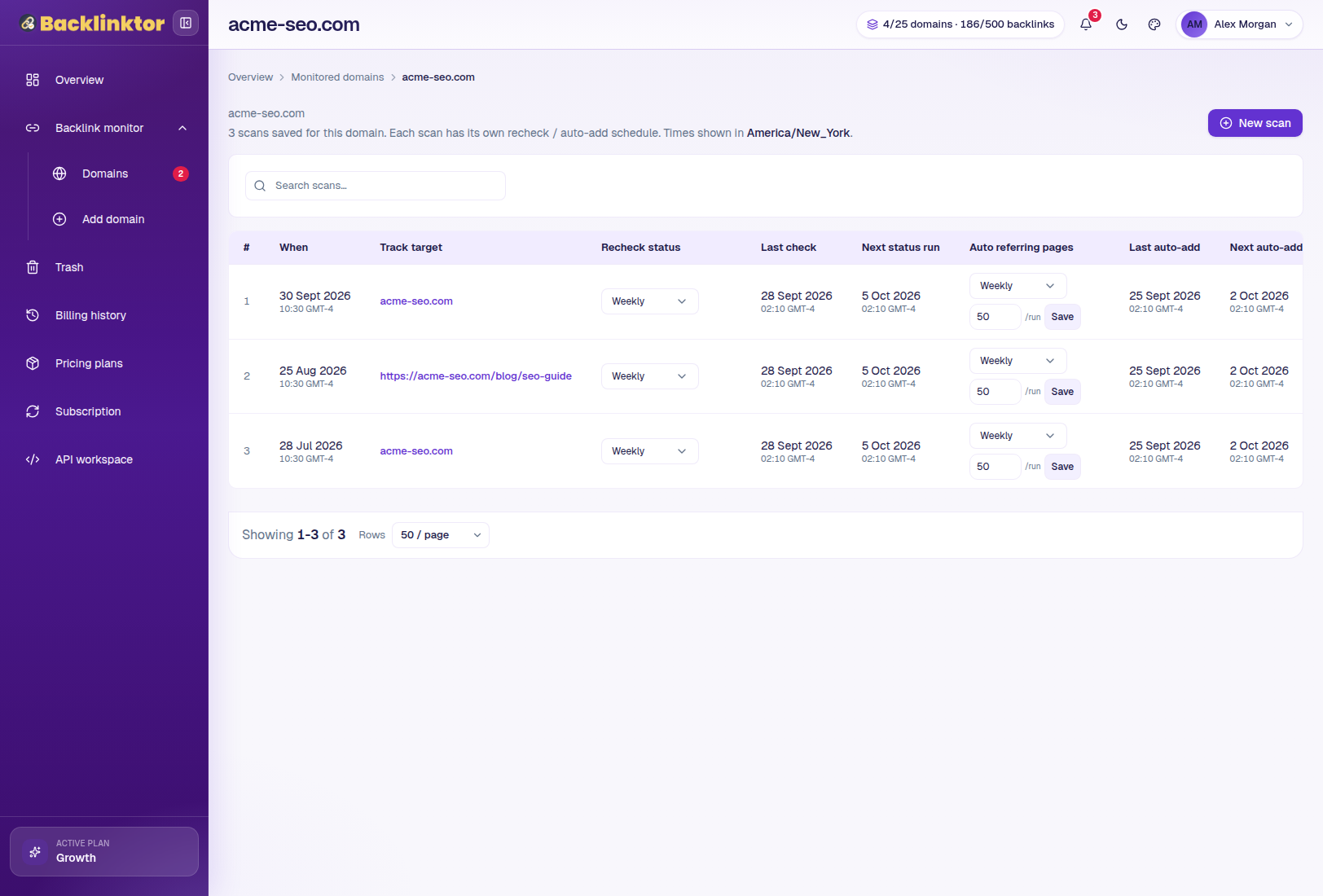
Manage targets, scans, and schedules from one domain view.
Inside a monitored domain, review tracked targets, browse scan history, open completed scans, access backlink results, and manage available recheck or automatic discovery schedules.
Analyze every referring page from one table.
Review referring pages, backlink status, first and last seen dates, anchor text, Domain Rating, Moz DA, spam score, and other available backlink information.
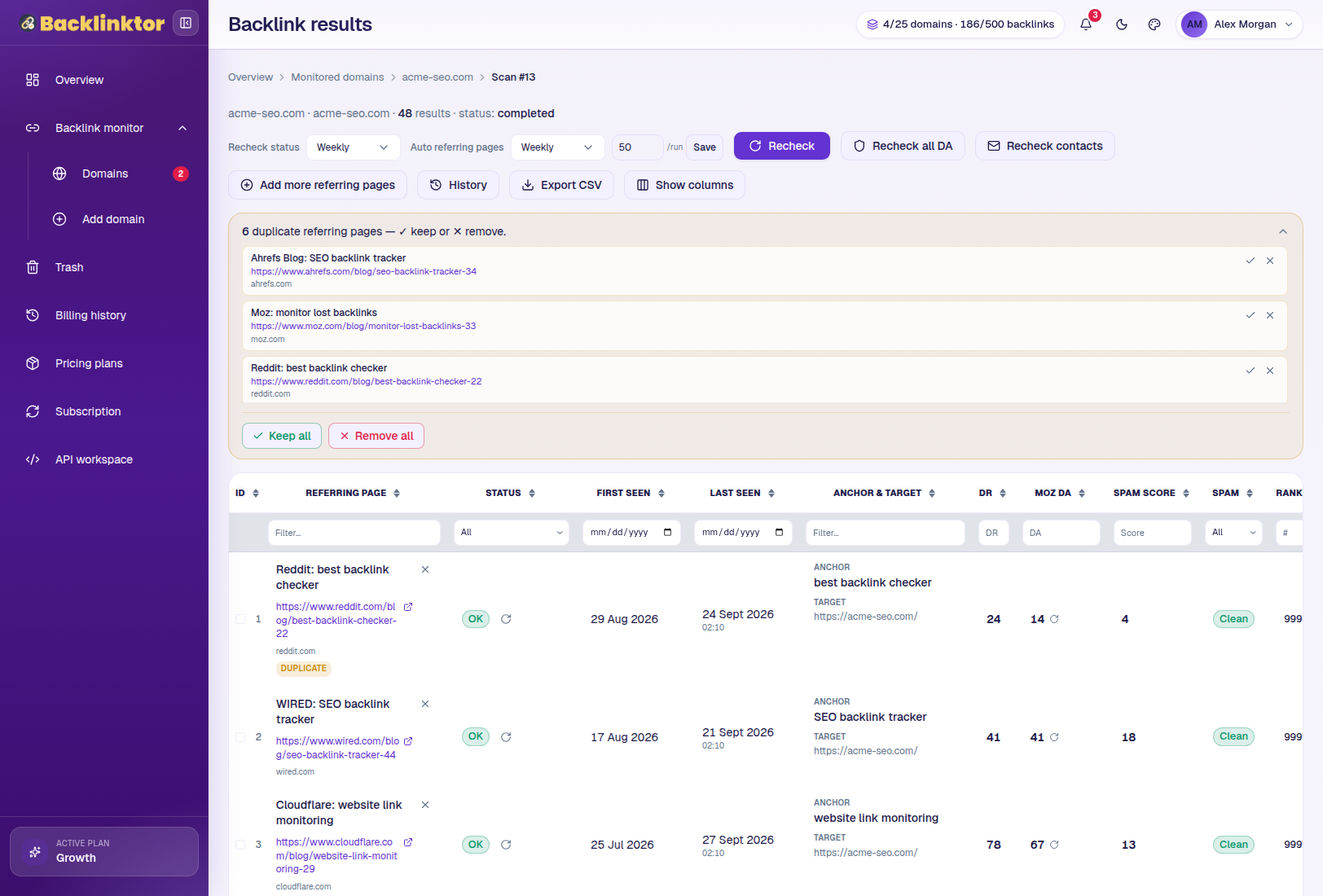
Understand more than whether a backlink exists.
Use multiple available signals when reviewing referring sites. Backlinktor displays available Moz DA and Spam Score information.
Let Backlinktor keep checking while you focus elsewhere.
Users can manually recheck backlinks. Paid plans can provide scheduled backlink rechecks, with weekly, every 3 days, or daily frequencies depending on plan. Results can update when backlinks are missing or pages are unavailable.
Keep discovering new referring pages automatically.
When supported by the selected plan, users can enable scheduled backlink discovery so Backlinktor periodically finds and adds new referring pages.
Move from backlink analysis to outreach.
Selected plans can enrich referring sites with available publisher contact information, including email addresses, phone numbers, and contact availability or status. In Results, users can trigger recheck contacts when available.
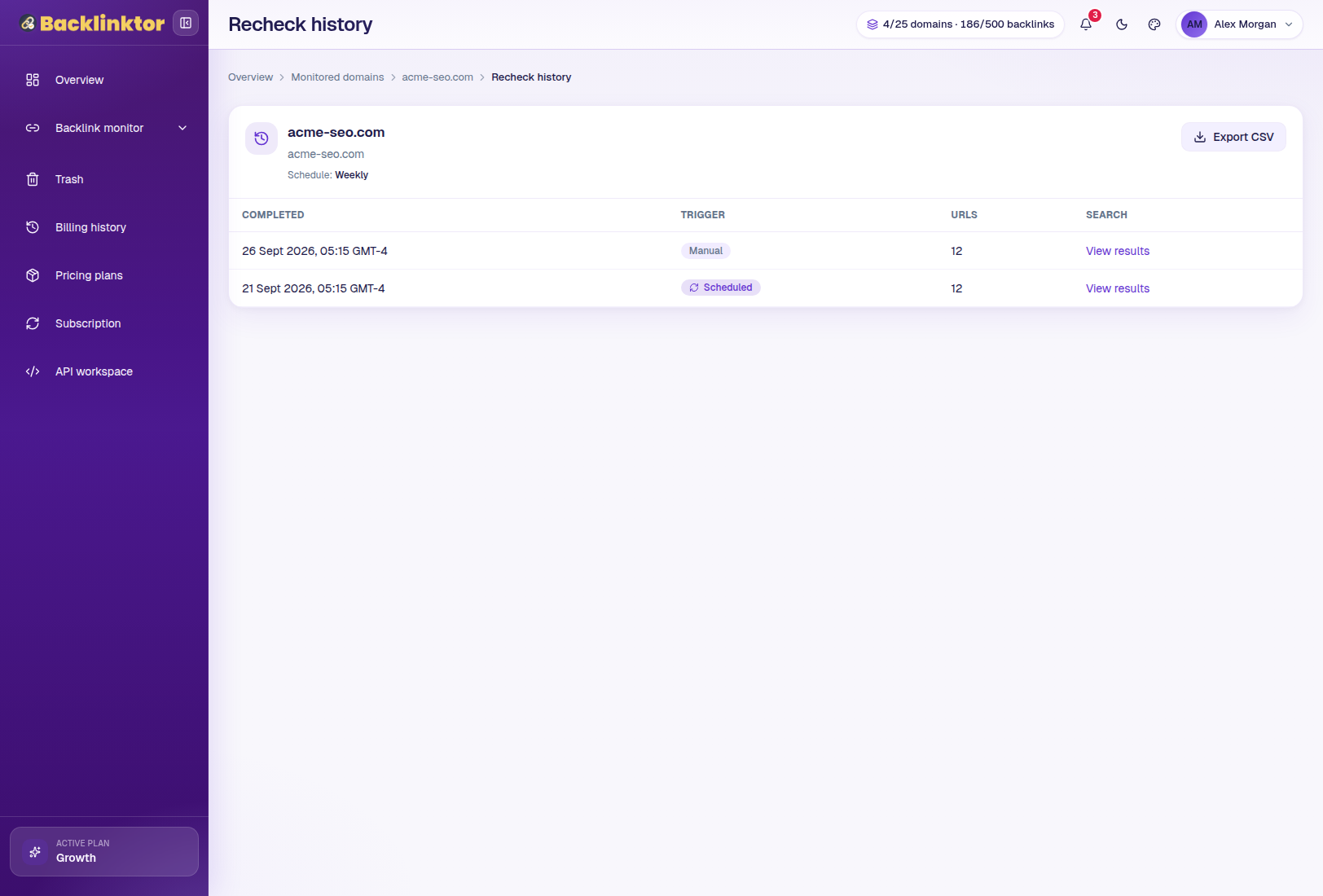
Know what changed — and when.
Every supported manual or scheduled recheck can be logged in history. Review manual runs, scheduled or cron runs, URL-level results, OK, Missing, and Page down statuses, notes, and historical exports where available.
Take your backlink data wherever you work.
CSV export lets you move backlink information into spreadsheets, client reporting workflows, internal analysis, and other business processes. Selected plans include history exports.
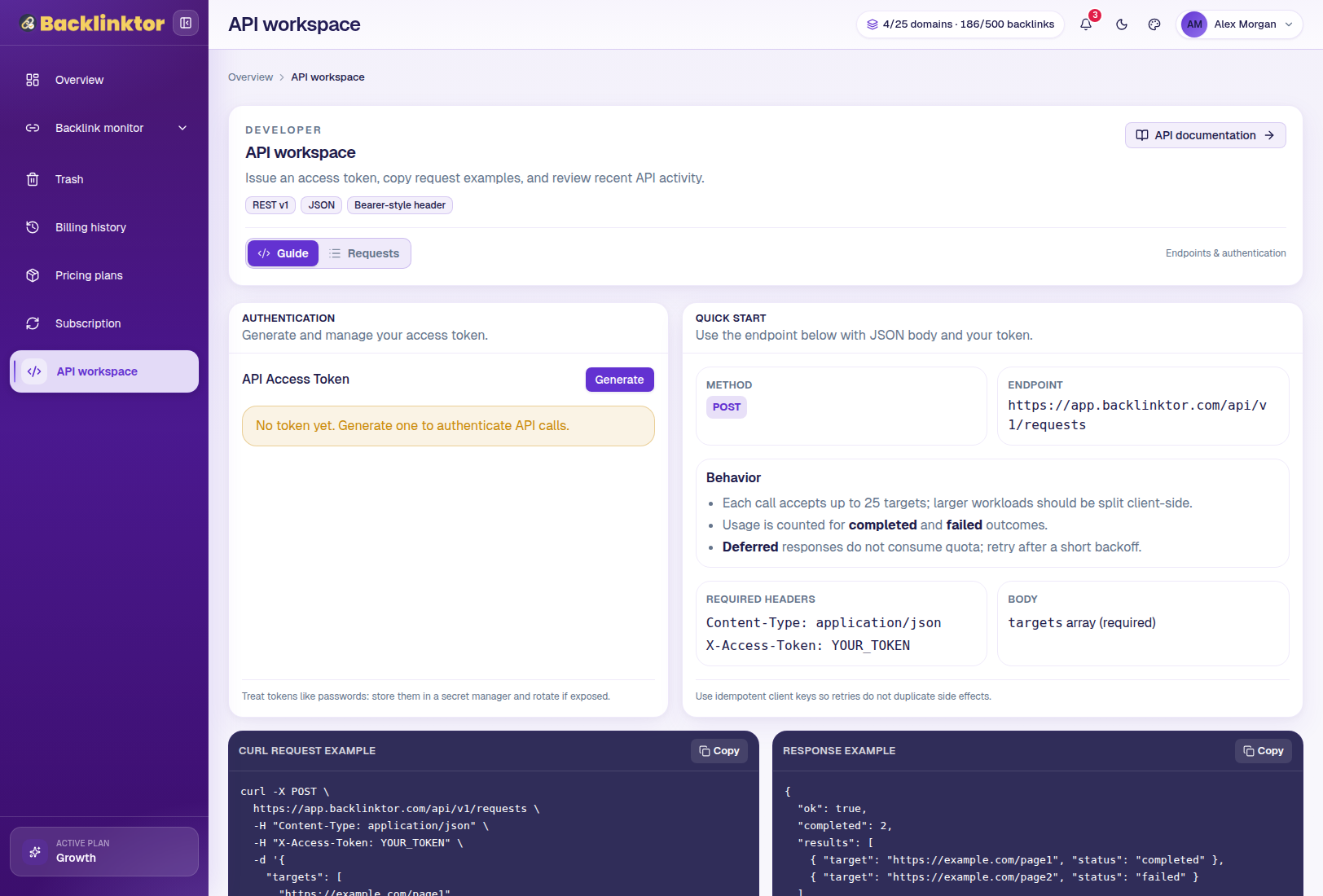
Recover items before they are permanently removed.
Soft-deleted items can be placed in Trash. Work with deleted domains, tracked searches, backlink result rows, and frozen items, using restore or undo actions and purge countdowns where applicable.
Accidental deletion does not always have to be permanent.
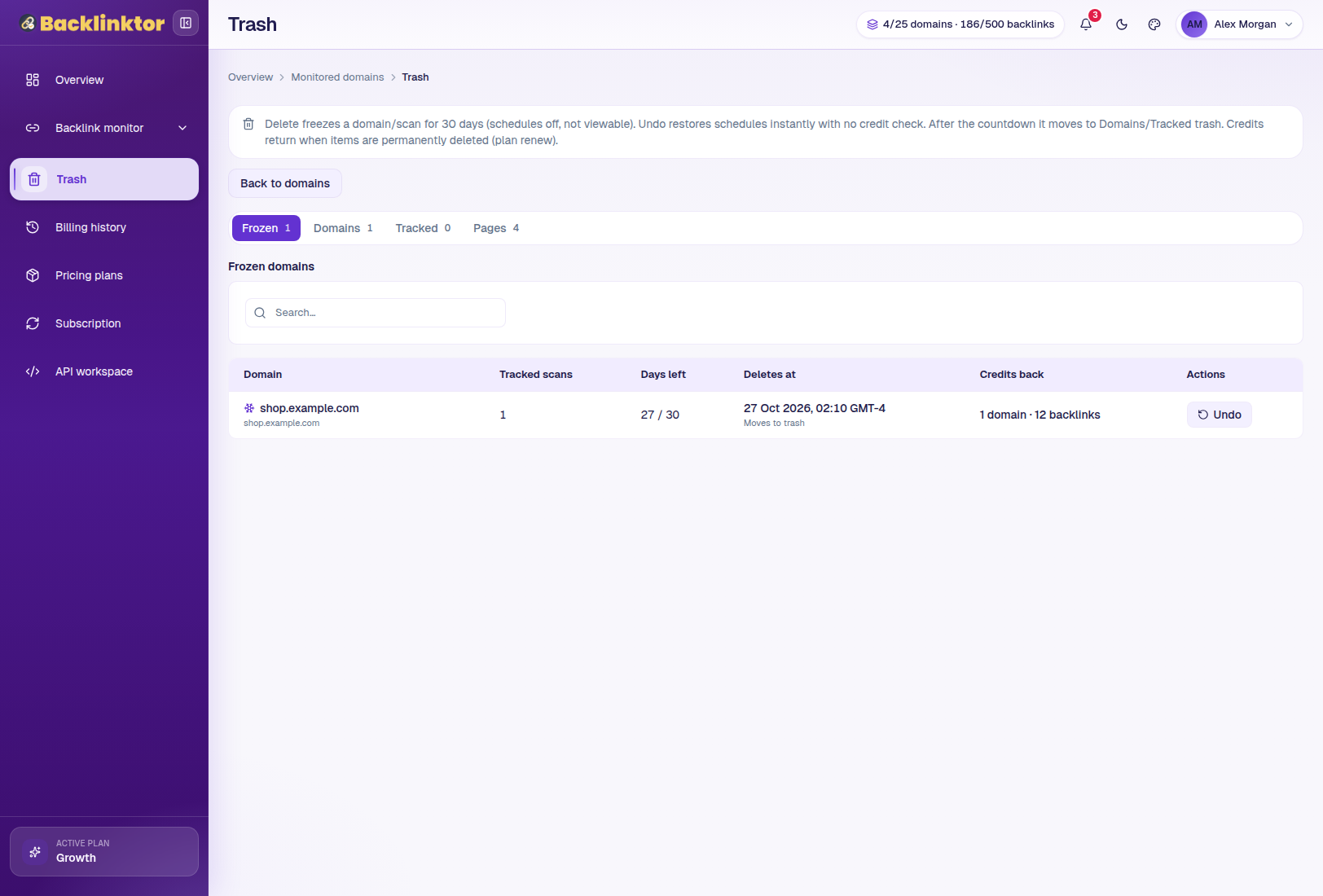
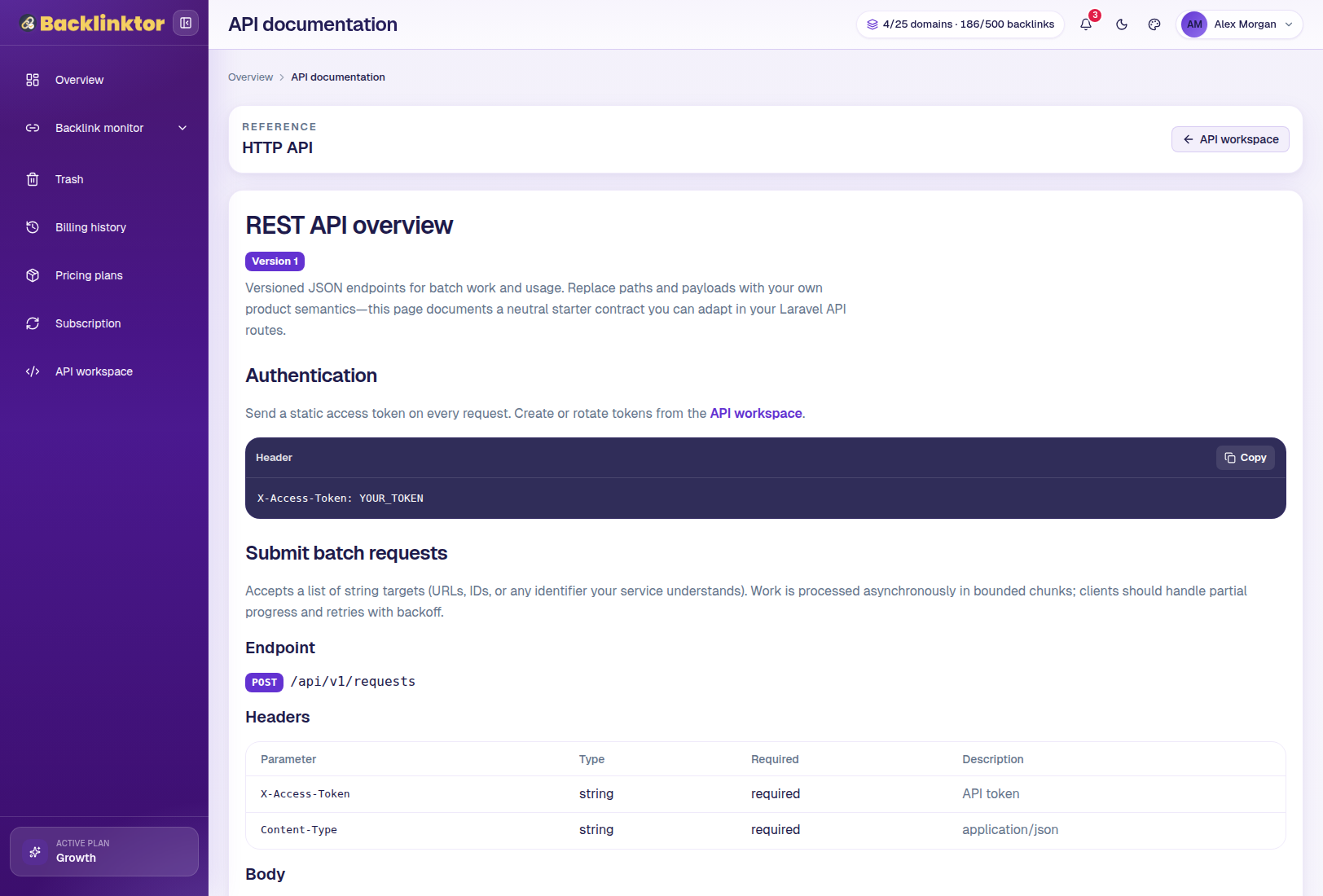
Bring Backlinktor into your own tools.
Higher plans can provide access to the API Workspace, where users can review available endpoints, authentication guidance, usage information, and API documentation.
Make the workspace work your way.
Timezone settings affect how dates are displayed across relevant areas of the app.
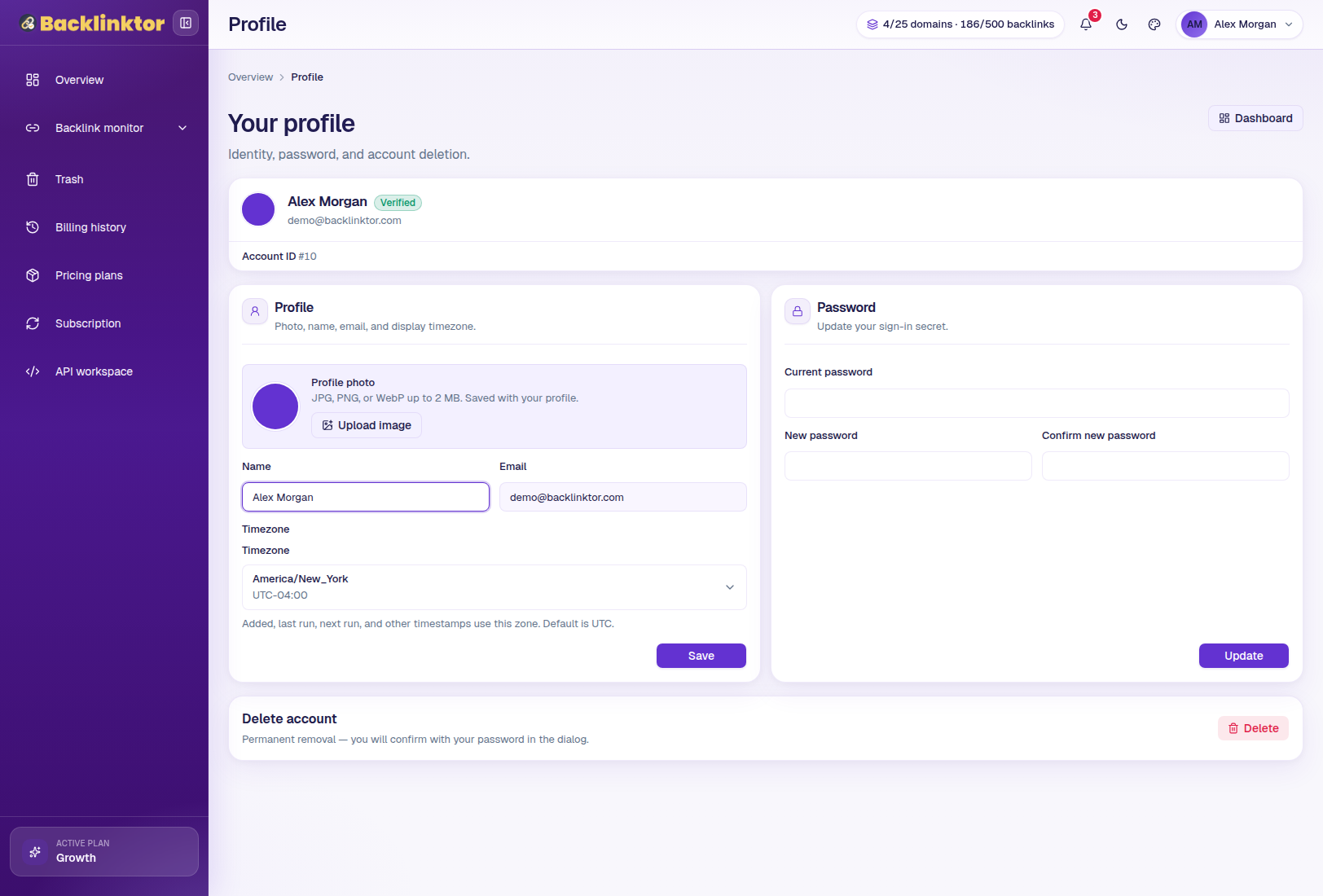
Profile
Manage name, email, password, and timezone.
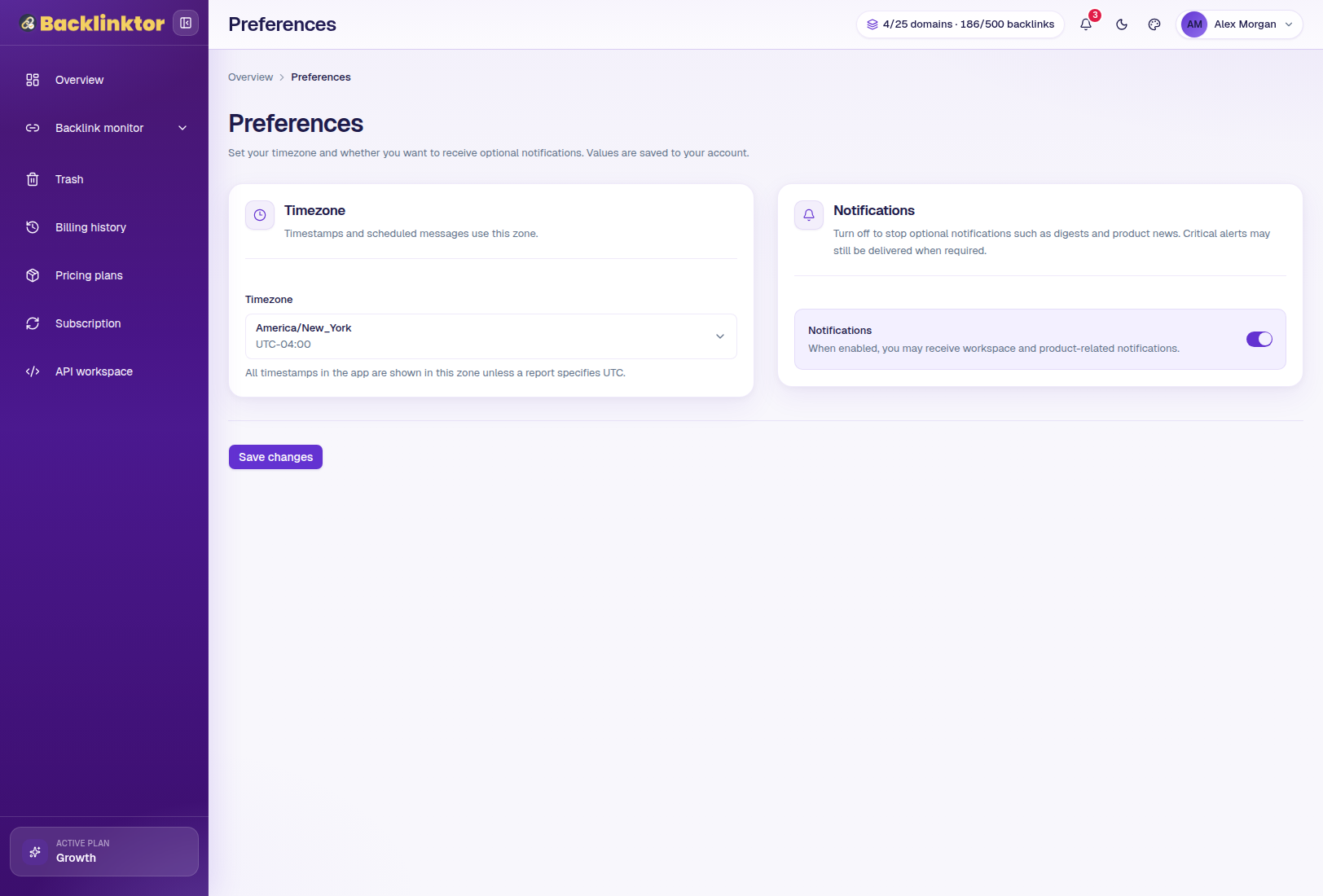
Preferences
Manage locale, week start, date format, email digest, and product update settings.
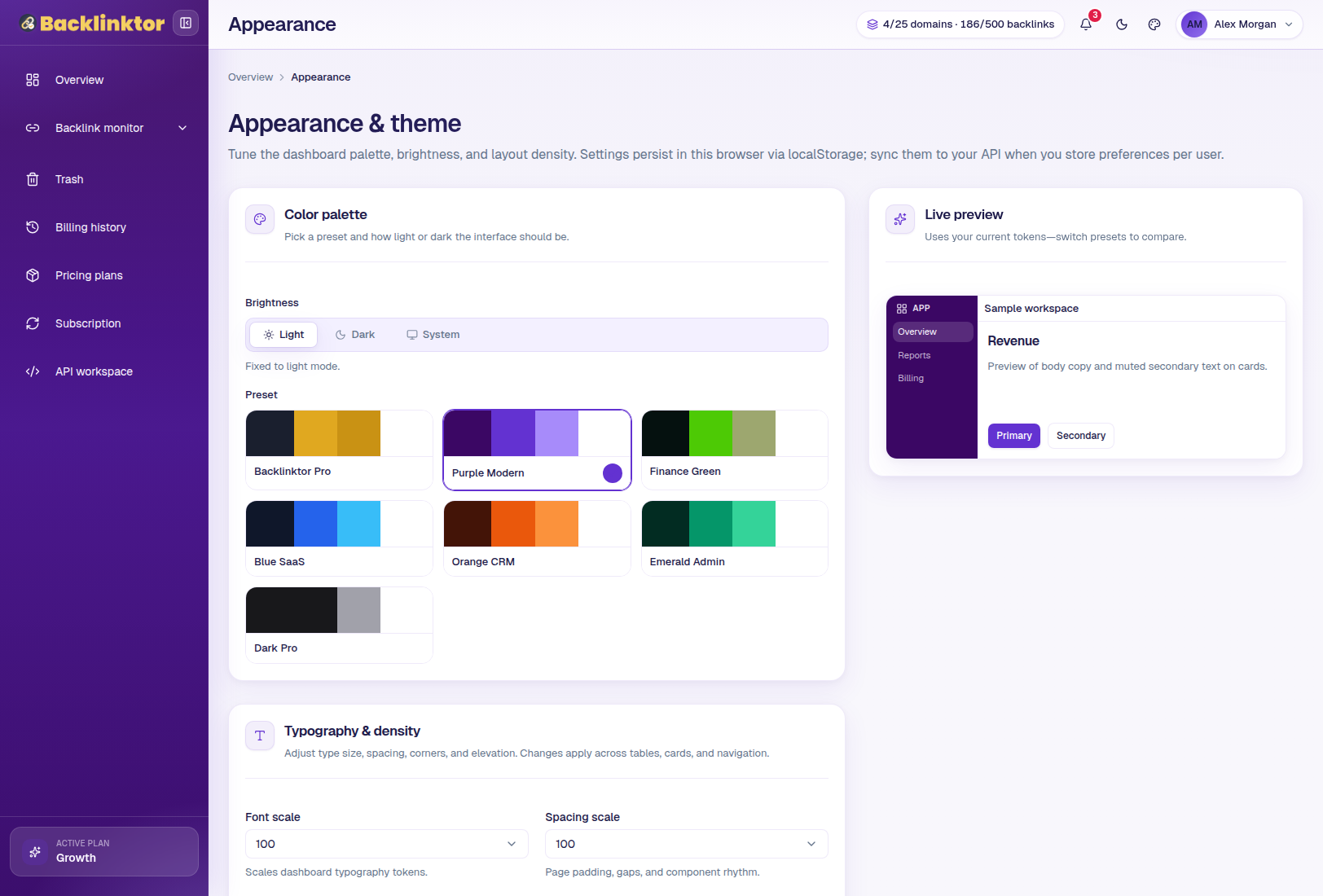
Appearance
Choose light or dark mode and available themes.
A focused workspace for each stage of backlink management.
Discover
Backlink Finder
Domain Monitoring
Track Page URLs
New Backlink Searches
Auto-Discover Backlinks where available
Monitor
Backlink Status
Manual Rechecks
Scheduled Rechecks
Missing Link Detection
Page Down Detection
Recheck History
Analyze
Domain Rating
Moz DA
Moz Spam Score
Anchor Data
First / Last Seen
Advanced Filters
Show Columns
Outreach
Contact Finder
Email Discovery
Phone Discovery where supported
Manage
Multiple Domains
Tracked Targets
Scan History
CSV Export
History Export where available
Trash & Restore
Automate
Auto Referring Pages
Scheduled Rechecks
API Workspace on eligible plans
Feature availability and limits vary by plan. View Pricing
From first discovery to confident follow-up.
Discover
Find referring pages.
Analyze
Review authority and quality signals.
Monitor
Track live backlink status.
Enrich
Find available publisher contact information.
Act
Export, report, restore, or follow up.
Put your backlink workflow in one place.
Discover referring pages, monitor link status, analyze backlink quality, review history, and manage outreach data from a focused workspace.
No complicated setup required.